What a Bilingual Arabic–English Website Needs
Adding Arabic to a website takes more than translation. This guide sets out the technical and editorial requirements for a bilingual Arabic–English site, section by section, with the questions to ask before you commission one.
Why “Arabic-ready” needs a definition
Arabic is the official language of the UAE, and many businesses in the country serve customers who prefer to read in it. Yet “Arabic-ready” in a proposal can mean very different things: a theme that includes a right-to-left stylesheet, a plugin that machine-translates pages on the fly, or a properly localised site designed for both reading directions. Only the last one serves Arabic-speaking customers well.
This guide sets out what a bilingual site needs, area by area, so you can check any proposal against it.
1. A separate URL for each language
Each language version should have its own address, for example /services/ in English and /ar/services/ in Arabic. Google recommends different URLs for each language version rather than switching language with cookies or browser settings, and warns that if content changes with the visitor’s language settings, its crawler may not find every version.
A few practical rules follow:
- Do not redirect visitors automatically by browser language or location. Google advises against it because it can stop people, and search engines, reaching the other version. Offer a clear language switch instead.
- Link the switch to the equivalent page, not to the Arabic home page. Someone reading your English pricing page should land on the Arabic pricing page.
- Keep each page in one language. Google works out a page’s language from its visible content and advises against side-by-side translations on the same page.
- Choose a URL style once. Arabic words in URLs are allowed when UTF-8 encoded and read naturally, but become long encoded strings when copied into some apps. Latin slugs under
/ar/are simpler. Either works if applied consistently.
2. hreflang, set up correctly
hreflang annotations tell Google that pages are language versions of each other, so it can show each searcher the right one. The rules in Google’s hreflang documentation that matter most:
- Each version lists itself and every other version. Annotations must point both ways. If two pages do not point to each other, Google ignores the tags.
- Use valid codes: a language code from ISO 639-1, optionally followed by a region code from ISO 3166-1 alpha-2. That means
aranden, orar-AEif the content is specific to the UAE. - Add
x-defaultfor the page Google should show when no listed language matches, often the English version or a language chooser. - Use full URLs, including
https://. - Pick one method: link elements in the page head, HTTP headers or the XML sitemap. Google treats them as equivalent, so use the one you can maintain.
- Only pair pages that exist in both languages. An English-only article gets no Arabic alternate.
Two related details trip up many sites. If you use canonical tags, each language version’s canonical should point to itself: pointing the Arabic page’s canonical at the English page asks Google to treat it as a duplicate. And Arabic pages still need lang="ar" and dir="rtl" on the html element. Google detects language from the visible content, but browsers, screen readers and translation tools rely on the attribute.
3. A genuine right-to-left layout
Setting dir="rtl" on the html element of Arabic pages is the starting point. The W3C’s internationalisation guidance says to declare direction in the markup and never with CSS alone. Well-written styles then mirror most of the layout automatically. “Well-written” is the important part.
Build with logical CSS properties
Styles written with left and right stay left and right in Arabic. Logical properties describe the start and end of a line instead, so they follow the reading direction: margin-inline-start rather than margin-left, padding-inline-end rather than padding-right, and text-align: start rather than text-align: left. Flexbox and grid layouts follow the direction on their own.
Some things do not flip by themselves and need deliberate handling: transforms such as translateX, background positions, shadows offset to one side, and animations that move horizontally.
What to mirror, and what to leave alone
| Element | In the Arabic layout |
|---|---|
| Reading order, navigation and sidebars | Mirror: the start of each line is on the right |
| Back and next arrows, chevrons, breadcrumb separators | Mirror |
| Step indicators, carousels and sliders | Mirror the order and swipe direction |
| Form layouts and icons inside fields | Mirror |
| Logos and brand marks | Keep as designed |
| Photographs | Do not flip them; if a composition points towards the text, choose an image that works both ways |
| Media playback controls | Usually kept as they are |
| Phone numbers, email addresses, URLs and product codes | Keep left to right within the Arabic text |
Mixed-direction text
Arabic sentences often contain English brand names, numbers, email addresses and URLs. The browser’s bidirectional algorithm handles most of this, but punctuation and phone numbers can land in the wrong place. Wrap such runs in an element with dir="ltr". For text supplied at run time, such as names in a list or a search term, use dir="auto", as the W3C recommends, or the bdi element.
Numerals and dates
Arabic text can use Western digits (0–9) or Eastern Arabic digits (٠–٩), and both appear in the UAE. Choose per project, record the choice in your style guide and apply it everywhere, including prices, phone numbers and dates. In code, set the numbering system explicitly rather than relying on a locale’s default. Decide too whether dates follow the Gregorian calendar, the Hijri calendar or both.
4. Arabic typography
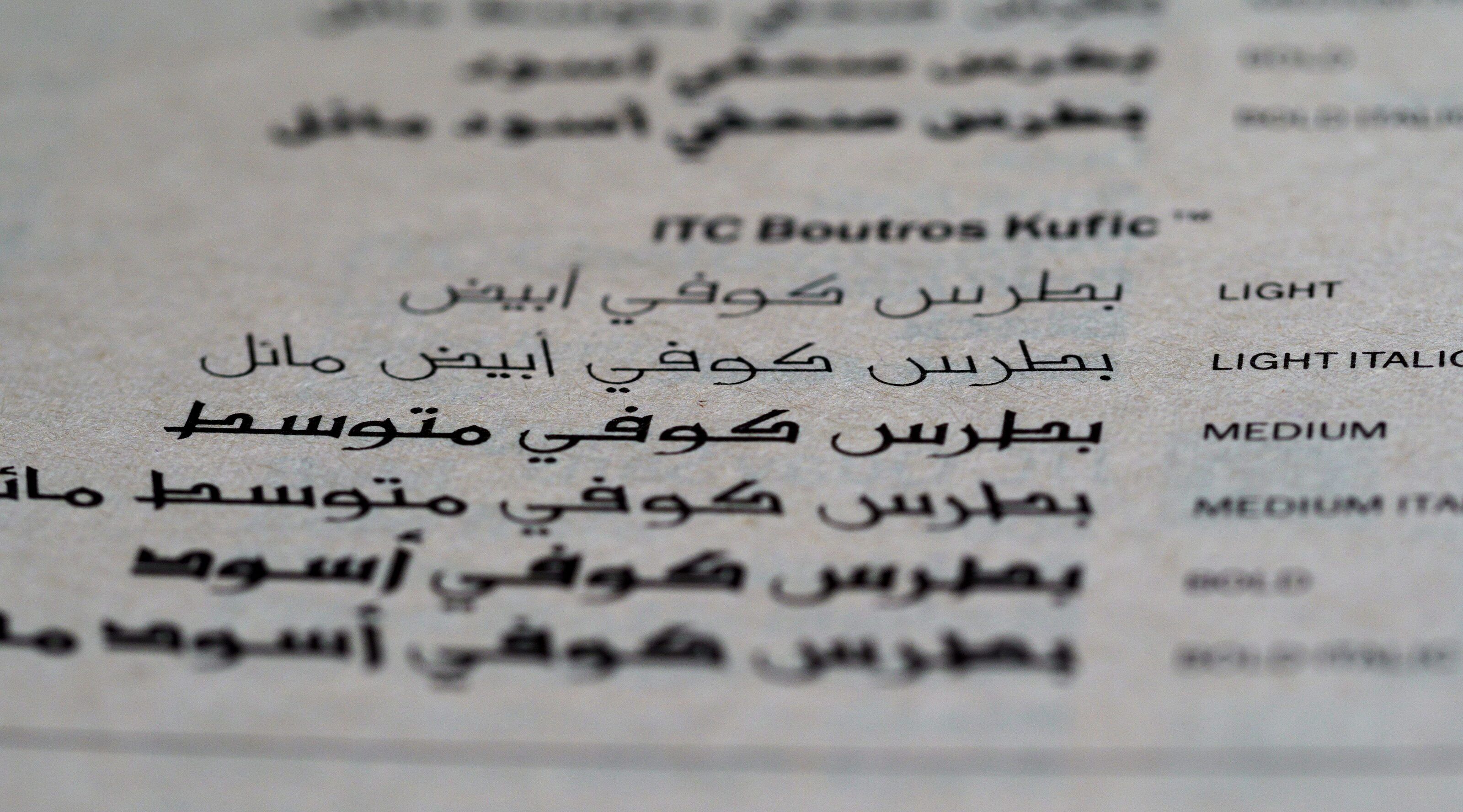
- Choose an Arabic typeface made for screen reading, in every weight your design uses, rather than the device’s fallback font. Naskh-style typefaces are the usual choice for body text; more geometric Kufi styles often suit headings.
- Pair it with your Latin typeface deliberately, matching visual weight and apparent size, or use a family designed for both scripts. Open-licence families such as Noto Naskh Arabic and IBM Plex Sans Arabic are reasonable starting points; whatever you choose, check the licence covers web use.
- Set Arabic sizes and line heights separately. Arabic often looks smaller than Latin text at the same nominal size, and its tall ascenders, deep descenders and diacritics need more generous line spacing.
- Drop Latin-only styling. Arabic has no capital letters, so labels styled in uppercase need another way to stand out, such as weight or colour. Letter-spacing can break the joins between Arabic letters, and browser-generated italics look wrong. Use weight for emphasis instead.
- Load fonts efficiently. Subset them and use
unicode-range, so English pages do not download Arabic glyphs and Arabic pages download only what they need.
5. Localisation, not raw machine translation
Machine translation, including AI tools, is useful for first drafts and for understanding a text. Its raw output is not ready to publish. The usual problems are literal phrasing, the wrong level of formality, inconsistent terms for your services and headlines that lose their point. Arabic speakers notice at once, and it undermines the credibility the site is meant to build. The tool is not the problem: publishing its output without adapting and reviewing it is.
There is a search risk as well. Google’s spam policies describe scaled content abuse as producing many pages mainly to manipulate rankings rather than help users, and name automated transformations such as translating among the examples. Pages translated automatically and published at scale without review fit that description, so every page should be adapted and checked before it goes live.
A sound localisation process looks like this:
- Freeze the English source for the pages being localised, so the translator is not chasing changes.
- Agree a glossary and style guide: how your services and brand name are written in Arabic, the register (most business sites use Modern Standard Arabic), numerals and date formats.
- Translate, then adapt. Machine translation or AI tools can speed up the first draft, but every page still needs adapting for Arabic readers: headlines and calls to action are rewritten rather than translated word for word, and the glossary is applied throughout.
- Review in context on the built pages, where line breaks, button lengths and mixed-direction text show up.
- Sign off with someone on your side who reads Arabic fluently.
6. Forms and validation
- Labels, help text, error messages and confirmation emails all need Arabic versions.
- Name fields must accept Arabic letters. Validation written only for A–Z rejects real names.
- Phone fields should accept both digit sets, plus the Persian variants some keyboards produce, and convert them before validating.
- Email, URL and phone fields should use
dir="ltr"so their contents display correctly inside an Arabic form. - Use UTF-8 throughout, and test the notification email that reaches your inbox, not only the form.
- If the site has a search box, normalise Arabic text so that variant forms of alef, taa marbuta and alef maqsura, and optional diacritics, do not stop a match.
7. Arabic search needs its own research
People searching in Arabic do not simply type translations of your English keywords. They may use different terms, mix Arabic and English, or write English words in Arabic script. Someone looking for a web designer might search تصميم مواقع, or simply type “web design” in English. Only keyword research in Arabic shows which terms matter for your services.
So research Arabic queries separately (Google’s Keyword Planner can target Arabic in the UAE), write Arabic page titles and descriptions from that research rather than translating the English ones, and track the /ar/ section separately in Search Console. Our SEO service includes Arabic keyword mapping when an Arabic site is in scope.
One related rule: Google’s Business Profile guidelines do not allow the same business name repeated in two scripts in the profile name, even if your signage shows both. Our guide to local SEO in Dubai covers the other profile rules.
8. Content operations after launch
A bilingual site doubles every future edit, so decide before launch:
- Which content is bilingual. Core pages usually are. A blog may start in English only, and pages in one language get no hreflang pair.
- Who translates updates, how quickly and on what budget. Localisation is an ongoing cost, and an English change that waits weeks for Arabic leaves the two versions saying different things.
- Publishing order. Publish both versions together, or leave the Arabic page unchanged until its update is ready. Never leave untranslated English passages on an Arabic page.
- CMS support. The content management system should link each page to its translation, so the language switch and hreflang stay correct as pages are added.
Questions to ask before you commission a bilingual site
- Will each language have its own URLs, and how will hreflang be generated?
- Is the Arabic layout designed and reviewed in its own right, or mirrored automatically?
- Who localises the content, and how is it reviewed before it goes live?
- Will Arabic keywords be researched separately?
- How will updates reach both versions after launch?
How we approach Arabic
Our Launch package is English only. For Business, Growth and custom projects, we scope an Arabic version separately, because the effort depends on how much content there is and whether it needs localising from English. The Arabic version is localised for UAE readers, adapted rather than translated word for word and reviewed before launch, and built as a genuine right-to-left layout with its own page addresses. It appears as its own line in your proposal; the pricing page shows how that sits alongside our packages.
If Arabic is likely later, say so at the start, so our web design work plans the English site for it. You can describe your project in our quote form.